 streamoors
 Altai the Tiger
 Sword Inu
 IGNITION
 no crying in the casino
 Quantus
 Pearl
Pearl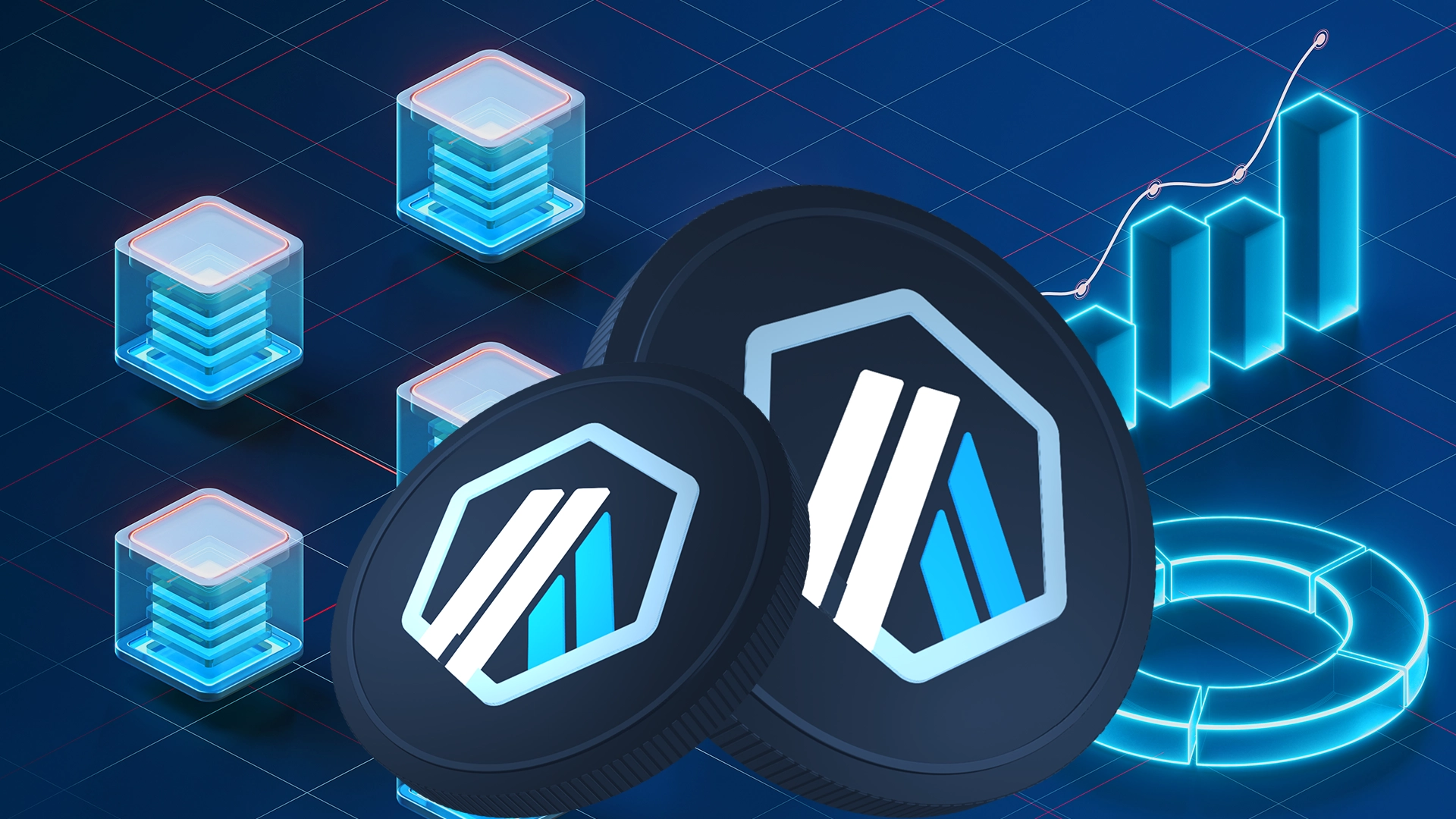
- Arbitrum uses optimistic roll-up technology to reduce fees and speed up transactions.
- Arbitrum Bridge is a platform that allows users to participate in token bridging.
- Sufficient ETH is necessary for gas fees to bridge tokens.
Arbitrum is a popular rollup-based layer-2 (L2) scaling solution developed by Offchain Labs for Ethereum. It addresses different challenges, such as scalability issues for the Ethereum mainnet.
Arbitrum eases the network traffic by handling transactions off-chain. Also, it is one of the L2 networks that eliminates the issue of high transaction fees.
Ethereum has been facing scalability challenges for a long time. Its popularity leads to network congestion and high fees. This blockchain network can only process 20-40 transactions per second (TPS).
Layer 2 solutions like Arbitrum are effective in mitigating scalability issues. It processes transactions off-chain quickly and then validates them on the main chain. Bridging tokens between Ethereum’s layer 1 and Arbitum’s layer 2 networks is crucial for improving interoperability.
Also, it enables seamless interaction across decentralized applications (dApps). Token bridging allows users to transfer assets securely. In this article, we will tell you about token bridging on the Arbitrum network:
Understanding Arbitrum Bridge
Arbitrum Bridge is the official portal for transferring assets between Ethereum and Arbitrum. Connecting the Layer 1 and Layer 2 networks for seamless transitions is essential.
It supports popular tokens like ETH, USDC, and various ERC-20 tokens for bridging. Users can easily move assets from Ethereum’s mainnet to Arbitrum or vice versa. It allows users to gain access to an expanding range of DeFi platforms. Protocols like Uniswap, SushiSwap, and Aave have layer 2 implementations on Arbitrum.
Bridging from Ethereum requires an upfront gas fee, which can be costly during periods of high network congestion. Also, this L2 network’s bridging platform prioritizes security using smart contracts.
How Arbitrum Works?
Layer 2 solution Arbitrum addresses the limitations of the Ethereum network by executing transactions off-chain. It uses an optimistic roll-up technology to bundle multiple transactions into a batch. Then, these transactions are submitted on the Ethereum mainnet as calldata.
In this way, this L2 network reduces congestion and lowers costs for Ethereum users. Validators participate in this network to validate transactions and earn rewards in ETH tokens. Arbitrum supports Ethereum-based smart contracts and dApps seamlessly.
Also, it has a custom virtual machine named the Arbitrum Virtual Machine (AVM). This is the execution environment for Arbitrum smart contracts. It is compatible with languages like Solidity and Vyper.
This L2 network minimizes barriers to entry as it does not require downloading anything like any plugin or compiler. It makes interactions with decentralized applications and other platforms smoother for users without paying high fees.
Bridging Tokens To Arbitrum
You first need to set up your crypto wallet before bridging tokens with Arbitrum. Below, you can check the steps to prepare for token bridging:
- Use a compatible wallet like MetaMask or WalletConnect to connect to Ethereum’s network. Make sure your wallet supports Ethereum and L2 networks.
- By opening your wallet, you must manually add the Arbitrum network as a custom RPC. Input the following details for Arbitrum One to add this network to your wallet:
- Network name: Arbitrum One
- RPC URL: https://arb1.arbitrum.io/rpc
- Chain ID: 42161
- Symbol: ETH
- Block explorer URL: https://arbiscan.io/
- Ensure you have enough ETH to cover gas fees on the Ethereum network.
After setting up your wallet, you can easily bridge your tokens from Ethereum to Arbitrum. Check the steps for the token bridging process:
- Visit the official Arbitrum Bridge platform. Here, you can easily transfer assets between Ethereum and Arbitrum networks.
- Then, connect your crypto wallet to the bridge platform. If you have chosen a wallet like MetaMask, a prompt will appear there for confirmation.
- Now, you can see a dashboard displaying wallet details on the Ethereum network. Select the token you want to bridge and enter the desired amount to transfer. Here, you can easily check supported tokens in a drop-down menu.
- Click the approve button to allow the bridge to interact with your tokens.
- Then, confirm the transaction on Ethereum, which will deduct gas fees.
- Transactions typically take a few minutes to process. It depends on network congestion. The assets will be reflected in your Arbitrum wallet within a few minutes after the transaction confirmation.
- If you want to move assets back to the Ethereum network, follow the reverse process.
Common Issues With Token Bridging
Users can encounter a few issues during token bridging with the Arbitrum network. Below, you can check the ways to troubleshoot these issues:
- Transactions often fail due to insufficient gas fees. In this case, you can increase the gas limit and resubmit the application.
- Users also encounter error messages about network settings: Configuring your wallet with Arbitrum’s network details is crucial. You must input the correct RPC URL, chain ID, and other settings for successful token bridging.
- Sometimes, tokens do not appear in your Arbitrum wallet after completing the bridging transaction. In this case, you can add the token manually.
Open your wallet and select the import tokens option. Now, you can enter the token’s contract address. Use Arbiscan to confirm the status of your transaction.
Bridging tokens on the Arbitrum network suits users who want to minimize costs and maximize efficiency. Arbitrum Bridge enables fast transactions between Ethereum and Arbitrum.
The future of token bridging lies in interoperability across different networks. As the blockchain ecosystem grows, more users will adopt Arbitrum due to its cost-effective environment.
Disclaimer
The information provided in this article is for informational purposes only. Always conduct your own research before making any crypto investment decisions. The author is not responsible for any losses resulting from the use of this information.